Nativik vs Buddy.ai: Play, Speaking Practice and Subscriptions
Choosing between English through play and a sequence of speaking lessons? Nativik brings guided conversation into an explorable world, while Buddy.ai offers named English courses and an open-conversation mode. Compare the activities, voice features and subscriptions below.
- Learning language
- English
Nativik and Buddy.ai at a glance
| Feature |  Nativik Nativik |  Buddy.ai Buddy.ai |
|---|---|---|
| Learning age and starting level | 3–10; beginners, including no previous English. [1]Source review: | 3–7 on English page; 3–8 in store; FAQ says 4–10. Starter: Pre-A1. [1][2][3]Source review: |
| Learning format | Explore a world, play mini-games and care for a character. [1]Source review: | Voice-led English courses: Pre-A1, A1 and A2. [1]Source review: |
| What the child does | Catches number blocks, practises writing letters and slices fruit. [1]Source review: | Meets a word, practises it aloud and answers the character. [1]Source review: |
| Listening and saying words | Hear a word, then say it. Clear celebrations, retries and an option to skip. [1]Source review: | Listens to prompts and gives spoken answers after the listening cue. [1][2]Source review: |
| Speaking interaction | Guided conversation within game scenarios, with voice processed on the device. [1]Source review: | Course dialogue; BuddyGPT open conversation is also described. [1][2]Source review: |
| Learning content | Colors, numbers, letters, fruit, zoo animals, food and drinks. [1]Source review: | Everyday English, including animals, home, school and colors. [1]Source review: |
| Cartoons and video | Educational cartoons included on iOS and Android. [1]Source review: | Cartoons form part of the English-learning content. [1][2]Source review: |
| Parent support and tools | First-session setup, saved vocabulary and one profile across devices. [1]Source review: | Choose a course; start together; receive progress emails. [1][2]Source review: |
| Documented devices | iPhone, iPad and Android; the same activities on both platforms. [1]Source review: | Smartphones and tablets; Apple and Google billing described. [1]Source review: |
| Free access and subscription | Three-day free trial on iOS/Android. Discounted first period on the web. All activities included. [1]Source review: | Free flashcard sample; subscription for continued access. [1]Source review: |
- Nativik brings beginner English into exploration, mini-games and guided conversation.
- Buddy.ai offers named English course levels and describes an open-conversation mode.
- Nativik speaking turns can be skipped, and your child’s voice is processed on the device.
- Every Nativik activity is included, with a three-day free trial on iOS and Android.
Compare how your beginner will use English: exploring a scene, responding to a character or following a course. If your own English is limited, use the app audio as the model and explain the task in your home language.
Nativik ties English to exploring scenes and concrete mini-game actions, with listening before speaking. Buddy offers named English course levels and a documented open-conversation mode. Choose between those formats by the kind of interaction you want to try together.
Choose the kind of interaction your child is most likely to enjoy returning to.
| Your situation | Option to consider | Documented reason | What to consider |
|---|---|---|---|
| Your beginner enjoys exploring, mini-games and pretend play. | Nativik | English is part of exploration, character care and guided speaking. [1] | Help with the first session; words stay in the vocabulary for repeat practice. [1] |
| You want an explicitly named English starting level and course path. | Buddy.ai [1] | It labels Starter (Pre-A1), Beginner (A1) and Elementary (A2) courses. [1] | Confirm the selected English mode and its first activity; a course label does not certify attainment. [1] |
| Your child wants conversation beyond single-word prompts; an adult can review responses. | Buddy.ai to investigate [1] | Its US release notes describe BuddyGPT open conversation. [1] | Check access on your account and observe responses. The feature description does not establish accuracy or safety. [1] |
| You can help with setup and want play without ongoing teaching. | Nativik | Designed for children to explore after the first introduction. [1] | Support depends on the child; the game uses little text. [1] |
| Your child likes listening but is hesitant to speak. | Nativik | Listen first, then try speaking; any speaking turn can be skipped. [1] | Without microphone permission, the other activities remain available. [1] |
Nativik
Buddy.ai
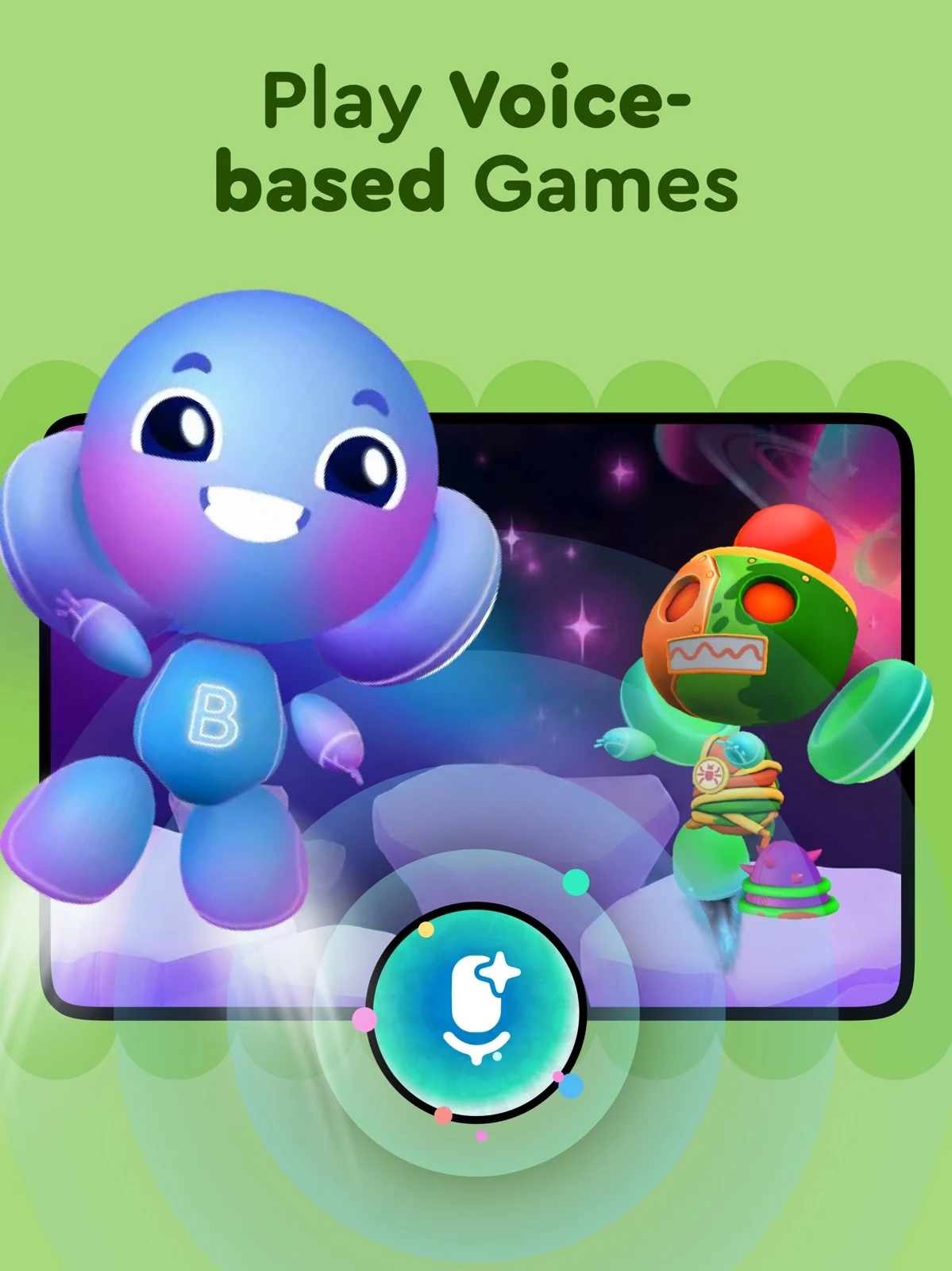
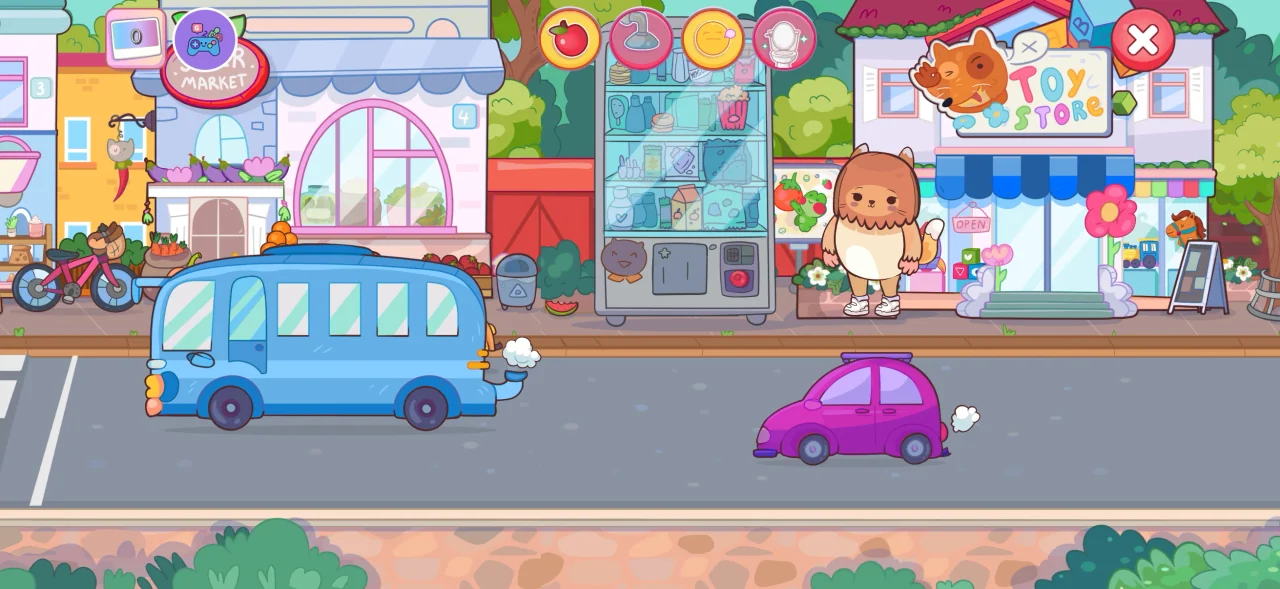
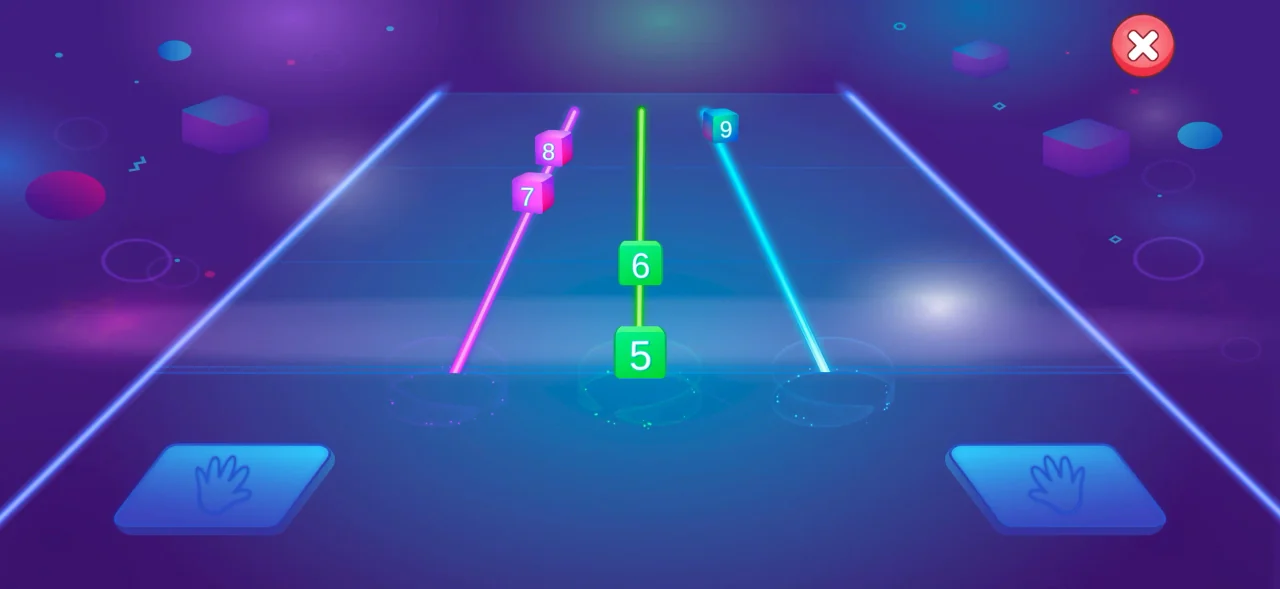
In Nativik, children explore scenes, interact with objects, play mini-games and care for a character. They hear words before saying them. Number-block catching, letter writing and fruit slicing connect the language with an action. In Nativik, a correct spoken answer earns a clear celebration. If the answer is not recognized, your child gets several chances to try again before play moves on. Speaking can be skipped at any time, so an unfamiliar word does not stop the game.
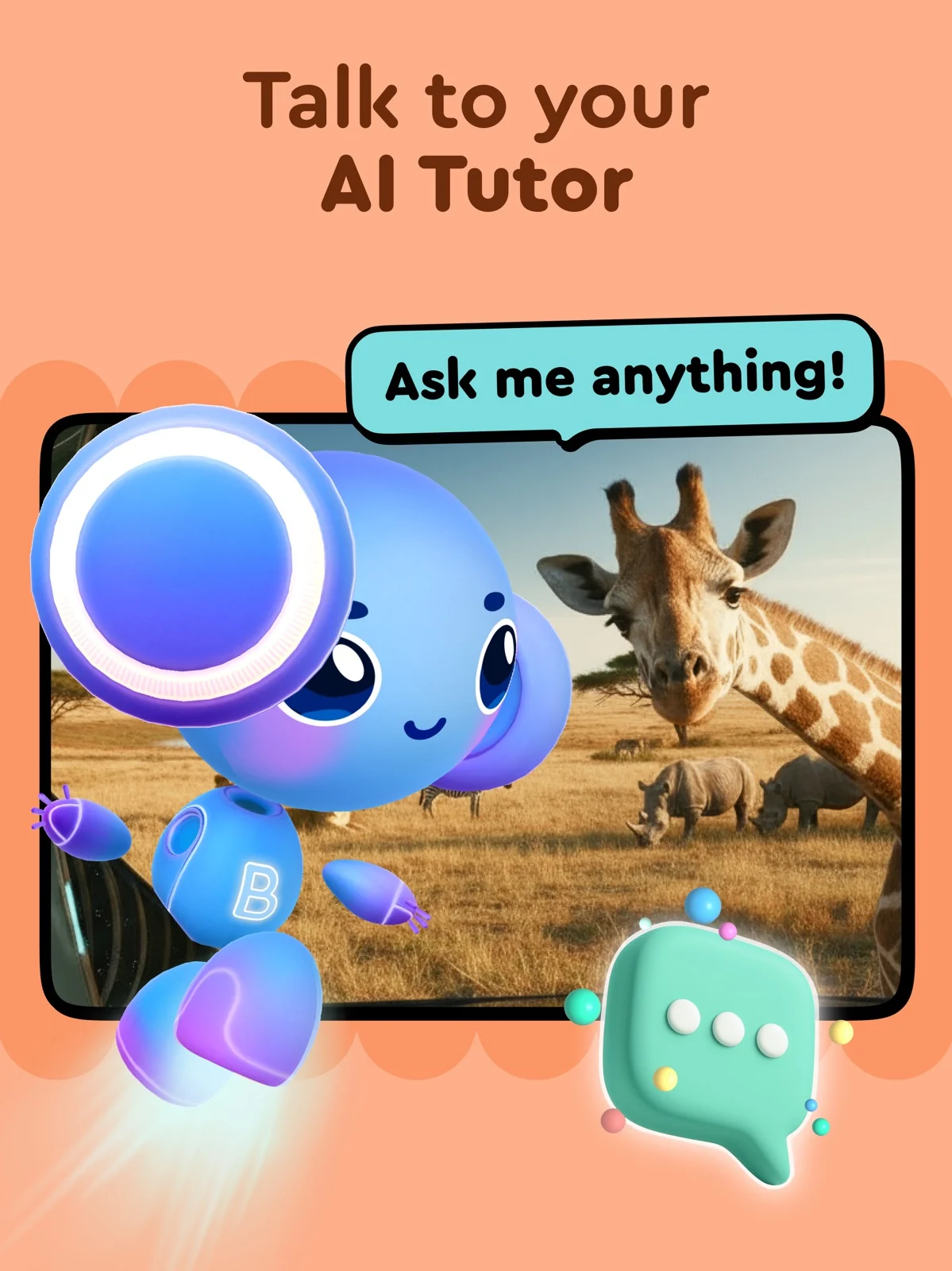
Buddy.ai’s English page describes lessons with spoken practice and games, organized into Starter (Pre-A1), Beginner (A1) and Elementary (A2). Its US store describes a broader early-learning mix. Its visible release notes also describe the BuddyGPT open-conversation mode.
Nativik keeps conversation within game scenarios. Buddy.ai describes named English courses and BuddyGPT open conversation. Choose Nativik for guided speaking inside play, or investigate Buddy’s conversation mode if open-ended exchanges are your priority.
Nativik gives an intended range of 3–10. Buddy.ai’s three labels remain different: 3–7 on its English page, 3–8 in US store developer copy, and 4–10 in its FAQ. The US store’s separate 4+ content rating and Made for Ages 6–8 label are not substitutes for those learning-age descriptions.
For a nine- or ten-year-old beginner considering Buddy.ai, ask which English course the provider intends for that age. For either app, prioritize whether your child can follow its audio, find the next action and recover from a mistake with the help you can provide.
Buddy.ai’s public USD web display retrieved on October 16, 2026 lists $12.49 per month after an advertised seven-day trial, $29.99 per six months and $49.99 per year, with automatic renewal. Its retrieved US App Store listing separately includes $14.99 for one month and $34.99 or $49.99 for six months. These are dated document examples, not verified offers for your account.
Buddy’s free flashcard sample is separate from a subscription trial. Try Nativik free for three days on iOS or Android, with every activity included. The web offer gives you a discount on your first billing period and a 14-day refund window. Available subscription periods vary by platform; the current offer shows the price and renewal terms before you subscribe.
Check the billing period and renewal terms on the offer you choose. Nativik offers weekly, monthly, three-month and annual subscription options depending on platform; every option includes all activities.
Manage Nativik’s web subscription in the app settings. Web purchases have a 14-day refund window. For Apple- or Google-billed subscriptions, use the store subscription controls. Buddy’s FAQ directs web subscribers to Manage Subscription in their purchase email.
Nativik processes your child’s voice on the device; it is not sent to our servers. Settings are protected by a parent gate, and child play contains no ads or external links. Without microphone permission, your child can use the activities other than speaking.
Buddy.ai’s privacy policy, dated August 10, 2026 and checked October 16, distinguishes temporary default speech processing from consent-enabled recording and transcription storage. For consent-enabled audio recordings, it describes automatic deletion after 15 years, earlier deletion on request and an audio-recording consent opt-out. Check the current consent screen and deletion controls; this is policy wording, not observed behavior.
If voice handling is central to your choice, distinguish on-device processing from cloud processing and permission to record. Nativik’s speaking runs on the device.
A first session can help you choose the activity format your child enjoys.
- Introduce one beginner activity and let your child explore.
- Try listening, saying a word and moving on to the next action.
- Revisit a familiar word and see whether your child recognizes it.
- Check the offer and manage subscriptions through the appropriate billing channel.
For Buddy.ai recognition trouble, its FAQ advises reducing background noise, keeping the microphone uncovered and waiting for its listening cue. Try those checks before interpreting a failed response as the child’s English mistake.
Nativik is designed for children starting English through play. Buddy labels Starter (Pre-A1) for children with little or no English exposure. For a beginner who likes exploring, start with Nativik; for a named course sequence, look at Buddy’s Starter course.
Nativik uses guided conversation within game scenarios. Buddy.ai’s release notes describe an open-conversation feature called BuddyGPT. These are different interaction formats: choose the one that matches what you want your child to practise.
Help your child get started, then let them explore. Nativik is designed around play, with little text in the child’s interface; an adult does not need to teach each activity. A child who already speaks English fluently may prefer more advanced material.
For a beginner who enjoys exploring, Nativik combines a world to play in with listening, recognition and speaking. Start with a few questions about your child.