English Learning Apps for Kids: Choose by Age, Speaking and Budget
The right English app gives your child something they want to come back to. Compare six options for beginners, from Nativik’s explorable world and guided speaking to courses, songs and stories, and see what each includes.
- Learning language
- English
Compare learning formats and features
| Feature |  Nativik Nativik |  Lingokids Lingokids |  Buddy.ai Buddy.ai |  Studycat English Studycat English |  LearnEnglish Kids: Playtime LearnEnglish Kids: Playtime |  Albert Junior Albert Junior |
|---|---|---|---|---|---|---|
| Learning age and starting level | 3–10; beginners, including no previous English. [1]Source review: | 2–8; English activities alongside other subjects. [1]Source review: | 3–7 on English page; 3–8 in store; FAQ says 4–10. Starter: Pre-A1. [1][2][3]Source review: | 2–8 in page title; body recommends 3+. [1]Source review: | 6–11, as recommended by the developer. [1]Source review: | 3–9; alphabet, first vocabulary and simple sentences. [1]Source review: |
| Learning format | Explore a world, play mini-games and care for a character. [1]Source review: | A library of games, songs, books and shows across subjects. [1]Source review: | Voice-led English courses: Pre-A1, A1 and A2. [1]Source review: | English games, stories, songs and letter-writing activities. [1]Source review: | Animated songs and stories with related language games. [1]Source review: | Short English exercises with everyday situations and games. [1]Source review: |
| What the child does | Catches number blocks, practises writing letters and slices fruit. [1]Source review: | Plays games, reads or listens to books, and watches shows. [1]Source review: | Meets a word, practises it aloud and answers the character. [1]Source review: | Plays word games, listens to stories and tries speaking challenges. [1][2]Source review: | Watches a video, records a phrase and plays word or spelling games. [1]Source review: | Shops for groceries in a game, matches items and plays word battles. [1]Source review: |
| Listening and saying words | Hear a word, then say it. Clear celebrations, retries and an option to skip. [1]Source review: | Audio activities; some games ask for spoken responses. [1][2]Source review: | Listens to prompts and gives spoken answers after the listening cue. [1][2]Source review: | VoicePlay uses spoken answers and immediate sound-level feedback. [1]Source review: | Listens to a narrator, records a phrase and compares the two. [1]Source review: | Word battle includes pronunciation practice with voice recognition. [1]Source review: |
| Speaking interaction | Guided conversation within game scenarios, with voice processed on the device. [1]Source review: | Spoken-response games; open conversation is not established here. [1]Source review: | Course dialogue; BuddyGPT open conversation is also described. [1][2]Source review: | Voice-controlled games; open conversation is not established here. [1]Source review: | Record-and-compare practice with a narrator. [1]Source review: | Pronunciation tasks in Word battle. [1]Source review: |
| Learning content | Colors, numbers, letters, fruit, zoo animals, food and drinks. [1]Source review: | Literacy, maths, science and art, alongside language activities. [1]Source review: | Everyday English, including animals, home, school and colors. [1]Source review: | English vocabulary, pronunciation, listening and handwriting. [1]Source review: | Words, grammar and spelling linked to songs and stories. [1]Source review: | Alphabet, everyday vocabulary and simple sentences. [1]Source review: |
| Cartoons and video | Educational cartoons included on iOS and Android. [1]Source review: | Shows and videos are part of the activity library. [1][2]Source review: | Cartoons form part of the English-learning content. [1][2]Source review: | Stories and songs; a separate cartoon library is not established. [1]Source review: | Animated songs and stories, with optional subtitles. [1]Source review: | An English cartoon library is not established. [1][2]Source review: |
| Parent support and tools | First-session setup, saved vocabulary and one profile across devices. [1]Source review: | Plus: up to four profiles, time limits and a Progress Center. [1]Source review: | Choose a course; start together; receive progress emails. [1][2]Source review: | Learner profiles and parent reports. [1]Source review: | Parent area for progress and purchases; compare recordings together. [1]Source review: | Parent Portal; Plus supports four users. [1]Source review: |
| Documented devices | iPhone, iPad and Android; the same activities on both platforms. [1]Source review: | iPhone, iPad, Android, Fire tablets and Huawei devices. [1]Source review: | Smartphones and tablets; Apple and Google billing described. [1]Source review: | iPhone, iPad and Android; Apple TV also appears in the store listing. [1][2]Source review: | iPhone and iPad in the checked store listing. [1]Source review: | Mobile and tablet; App Store and Google Play listed. [1]Source review: |
| Free access and subscription | Three-day free trial on iOS/Android. Discounted first period on the web. All activities included. [1]Source review: | Basic: 10 new activities daily. Plus: paid, full-library access. [1]Source review: | Free flashcard sample; subscription for continued access. [1]Source review: | Limited free activities; subscription for full access. [1]Source review: | Subscription for unlimited access; free allowance needs checking. [1]Source review: | UK listing: English requires Standard or Plus; Basic covers maths. [1]Source review: |
Nativik is built for beginners who want to play: explore a scene, catch number blocks, practise writing letters or slice fruit while hearing and using English.
- For English through exploration, mini-games and guided speaking, start with Nativik.
- For a broader subject library, consider Lingokids; for named English courses, consider Buddy.ai.
- Nativik includes every activity in its three-day free trial on iOS and Android.
Compare what your child will do, how speaking works and what the subscription includes. In Nativik, the game supplies the English model; you can help with the first session even if your own English is limited.
Age ranges describe the intended learning audience; store content ratings are separate. Check device support and the offer in your local store. The method and source regions are explained below.
Nativik connects listening and speaking to actions in a world the child explores. Buddy organizes English around course dialogue, while Studycat adds voice-controlled games. Lingokids offers a broader subject library; Playtime centers on videos and recording; Albert Junior uses short everyday-language exercises. Choose the interaction your child can follow with the help you can give.
Use your child’s preferred activity to narrow the options: exploration, course dialogue, speaking games, songs or stories.
| Parent or child situation | Option(s) to consider | Documented reason | What to consider |
|---|---|---|---|
| Your beginner enjoys exploring, mini-games and pretend play. | Nativik | English is part of exploration, character care and guided speaking. [1] | Help with the first session; words stay in the vocabulary for repeat practice. [1] |
| Your child wants to answer a character aloud. | Nativik; Buddy.ai [1][2] | Nativik guides speaking within game scenarios. Buddy organizes voice-led activities into Pre-A1, A1 and A2 courses. [1][2] | Choose guided speaking during play in Nativik, or a named course sequence in Buddy. |
| Your child likes listening but is hesitant to speak. | Nativik | Listen first, then try speaking; any speaking turn can be skipped. [1] | Without microphone permission, the other activities remain available. [1] |
| You want speaking games with sound-level feedback. | Studycat English [1][2] | VoicePlay documents speaking games with real-time feedback. [1] | Find a VoicePlay activity together and see whether the child understands the response; not every activity is a speaking task. [1][2] |
| You can join in and want songs, stories and phrase playback. | British Council Playtime [1] | Its documented practice is listening, recording and comparing with a narrator. [1] | Compare a phrase together; do not expect an established automatic pronunciation score. The developer recommends ages 6–11. [1][2] |
| You want English alongside other subjects, or separate profiles for siblings. | Lingokids Plus [1][2] | The broader library and up to four child profiles may match that brief. [1][2] | Choose an English-focused activity first. Multiple profiles do not mean the format suits every sibling. |
| Your child enjoys everyday scenes and vocabulary games. | Nativik; Albert Junior [1][2][3][4] | Nativik connects city exploration, food and drinks with English. Albert Junior offers grocery-store vocabulary, memory games and word battles. [1][2][3] | Nativik uses one shared profile across devices. Albert’s UK FAQ says Plus supports four users. [1][2] |
| You want to inspect some content before paying for full access. | Nativik; Lingokids Basic; Buddy or Studycat samples [1][2][3][4] | Nativik includes every activity in a three-day free trial on iOS and Android. Lingokids Basic offers a daily selection; Buddy and Studycat offer samples. [1][2][3][4] | Use the trial to explore the activities and check the renewal terms before subscribing. |
| You can help with setup and want play without ongoing teaching. | Nativik | Designed for children to explore after the first introduction. [1] | Support depends on the child; the game uses little text. [1] |
Here is what each app offers and the kind of activity it puts first.
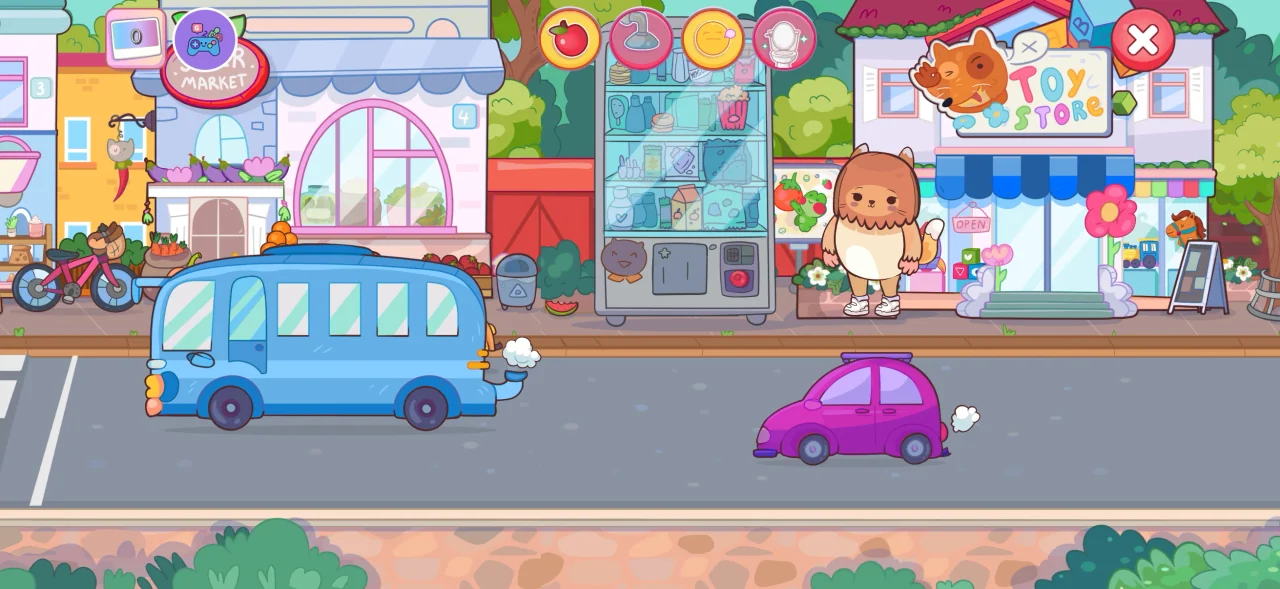

In Nativik, children explore scenes, play mini-games and care for a character. Catching number blocks, practising letter writing and slicing fruit give English a place in the game. Speaking follows guided game scenarios. In Nativik, a correct spoken answer earns a clear celebration. If the answer is not recognized, your child gets several chances to try again before play moves on. Speaking can be skipped at any time, so an unfamiliar word does not stop the game.
Nativik saves the words your child encounters, so they can revisit and practise them. Each word has a stage: heard, recognized among objects, or able to say. You can use these words for practice together away from the screen.
Help your child get started, then let them explore. Nativik is designed around play, with little text in the child’s interface; an adult does not need to teach each activity. A child who already speaks English fluently may prefer more advanced material.
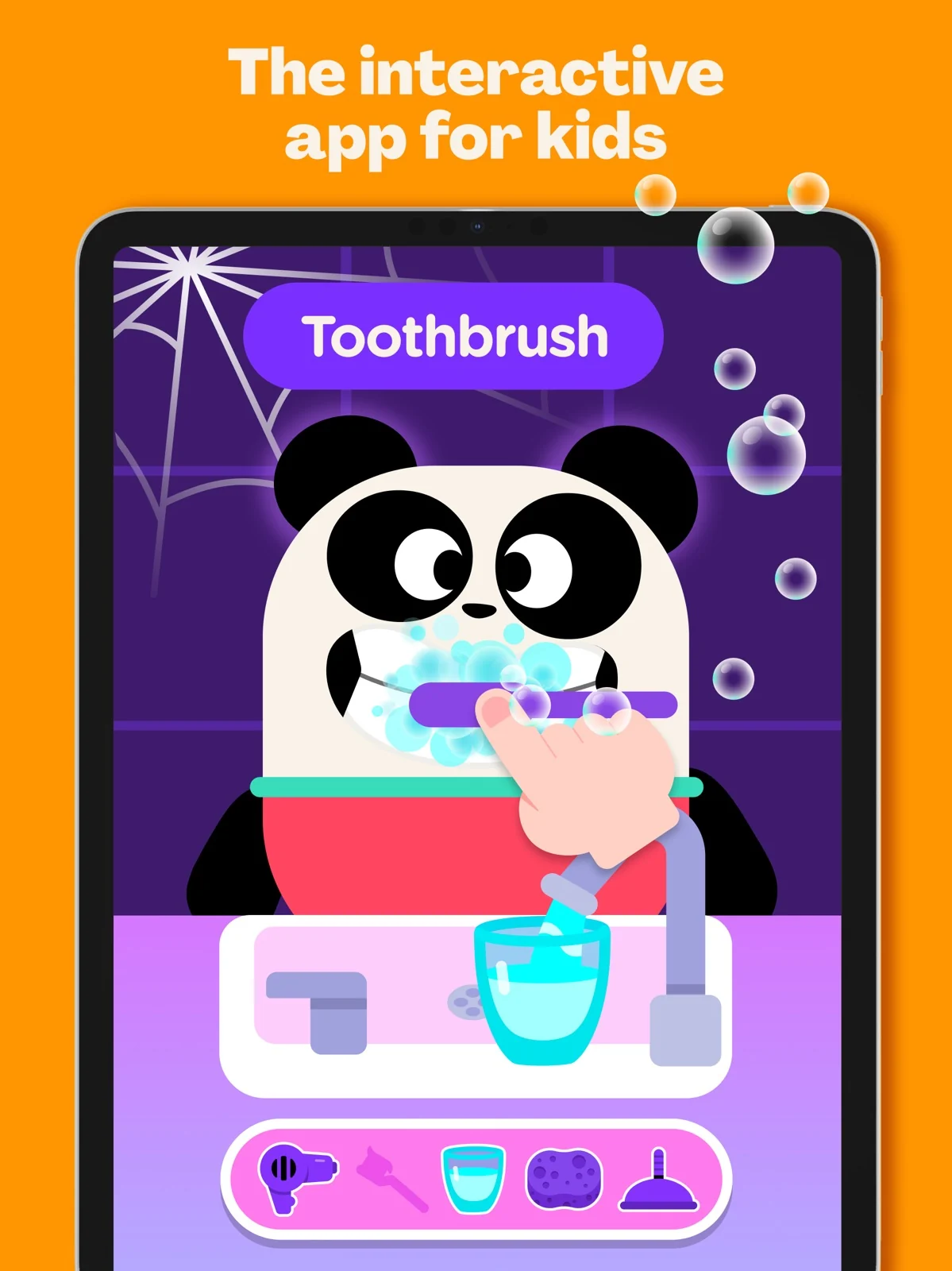
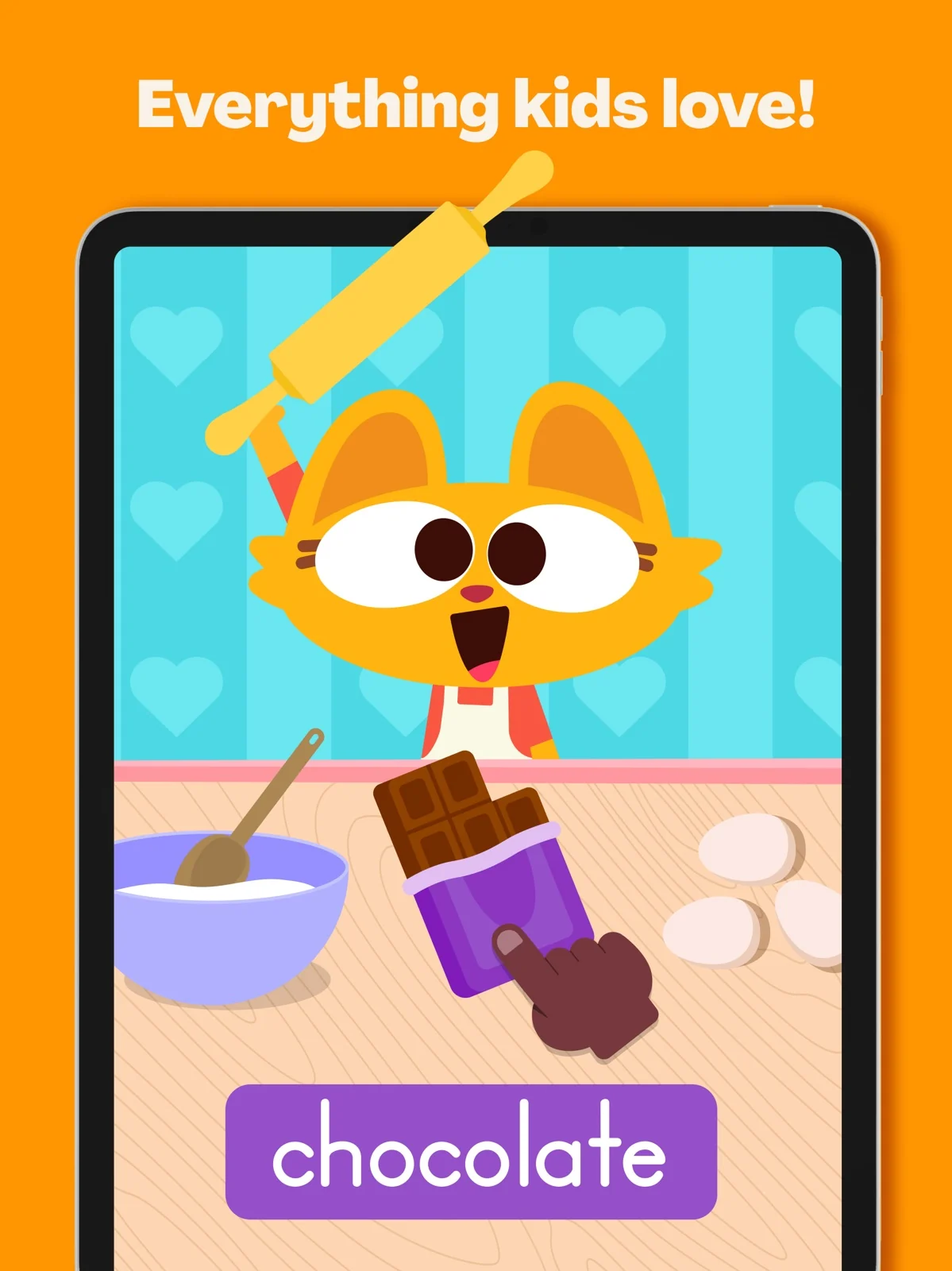
The documented library mixes games, songs and shows across English and other early-learning subjects. Plus adds offline access, multiple child profiles and a Progress Center. This may fit a family seeking more than English alone. For an English-speaking goal, choose a spoken-response activity rather than assuming every activity serves that purpose. The Basic selection refreshes daily; it is not the same as unrestricted replay of a favorite activity.
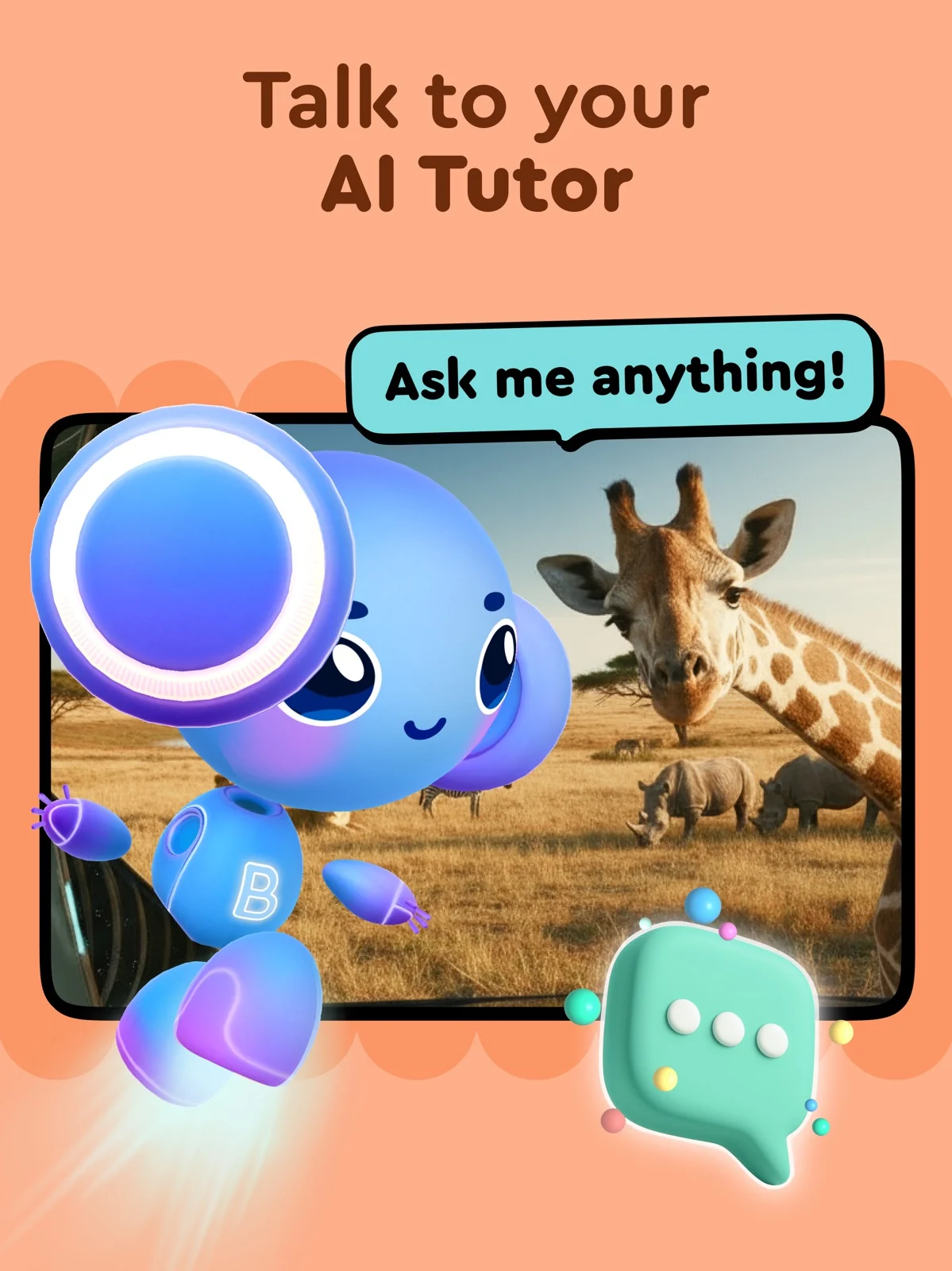
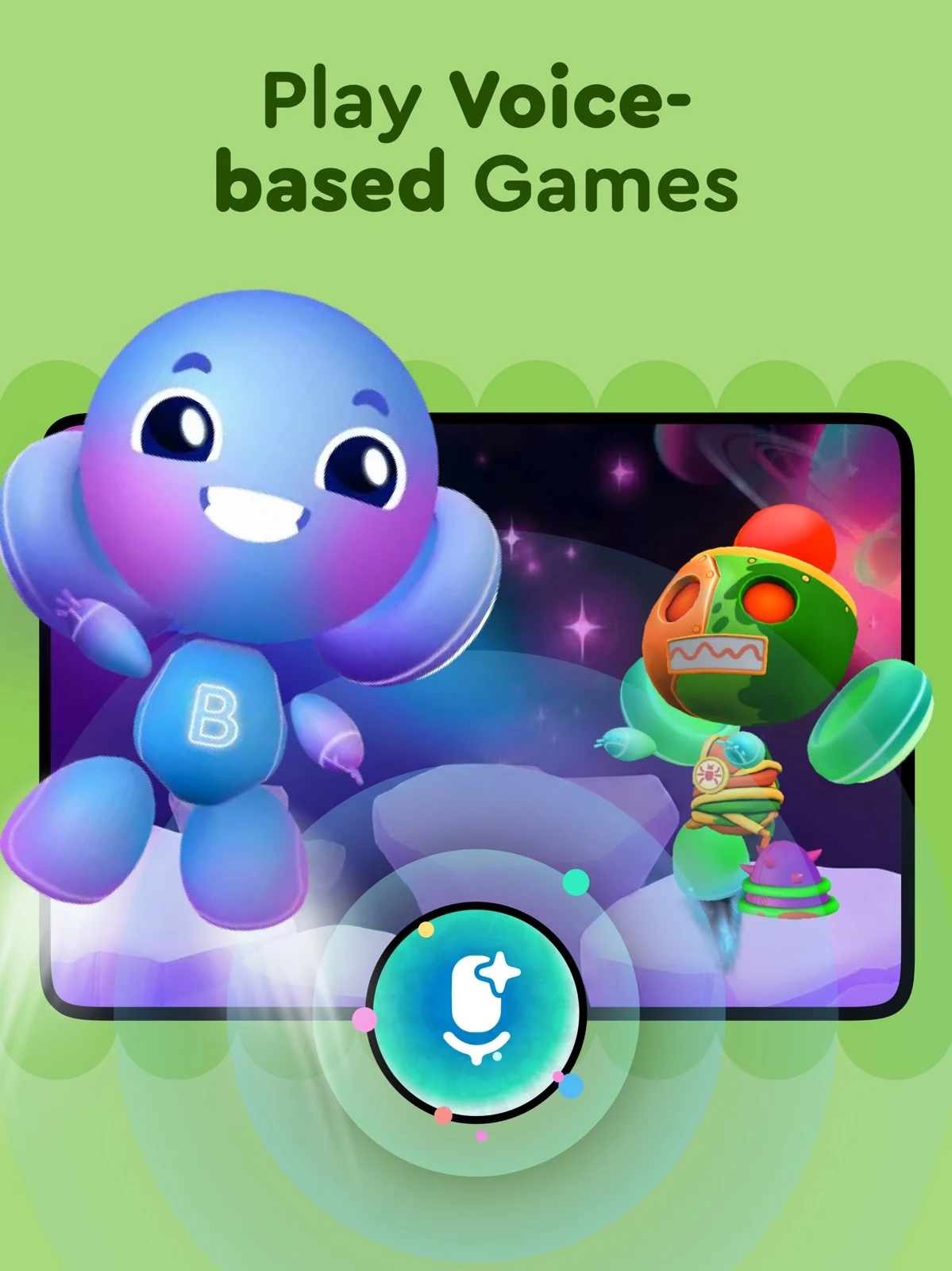
Buddy describes vocabulary and listening activities leading into spoken responses, with Pre-A1, A1 and A2 course options. Those are course labels, not verified outcomes. This is a plausible shortlist for a child interested in answering a character. Its FAQ suggests reducing background noise and waiting for the listening cue. Help with those cues first, then check whether a misunderstood answer leads to a usable retry. The conflicting age ranges remain unresolved.
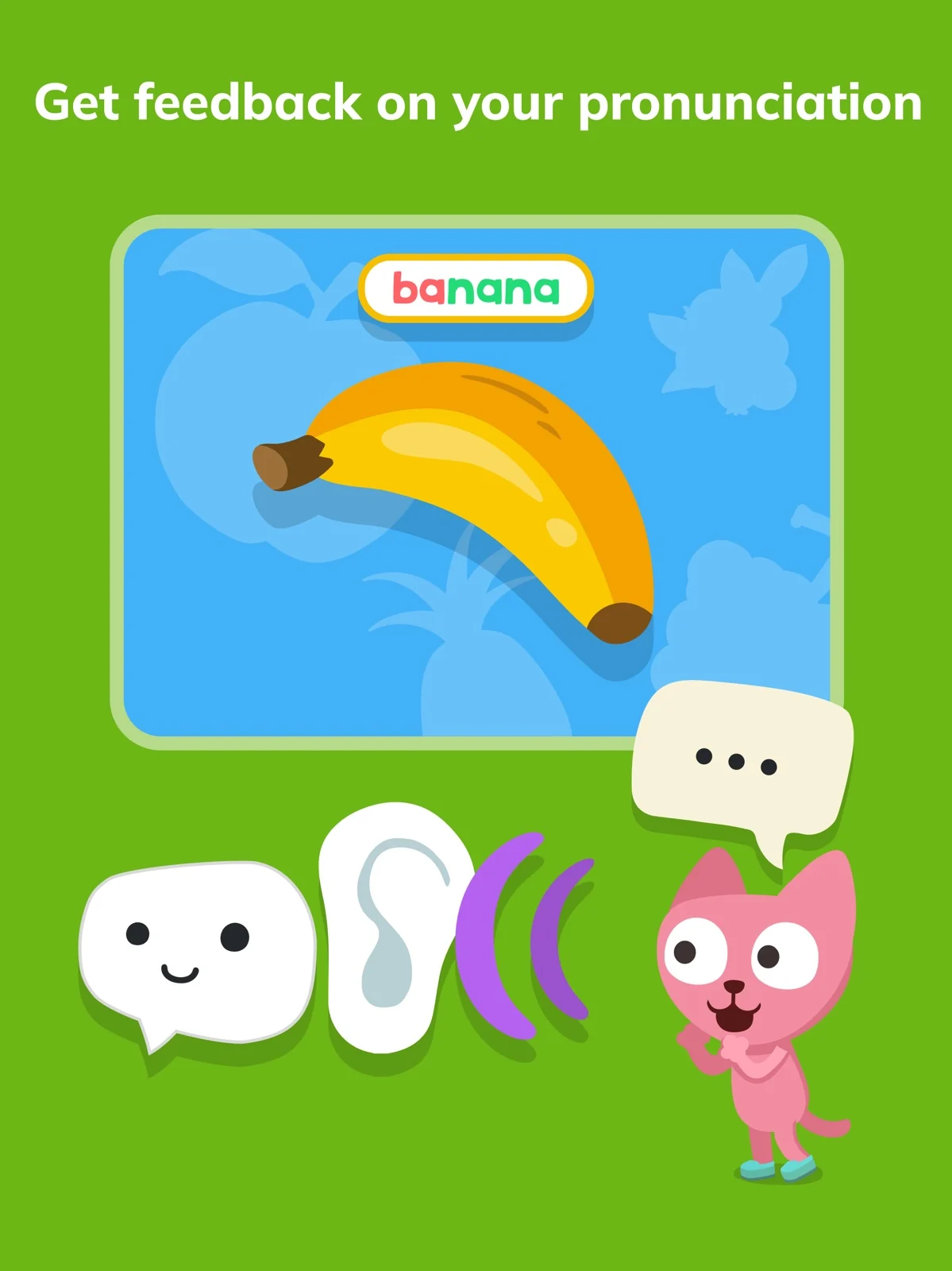
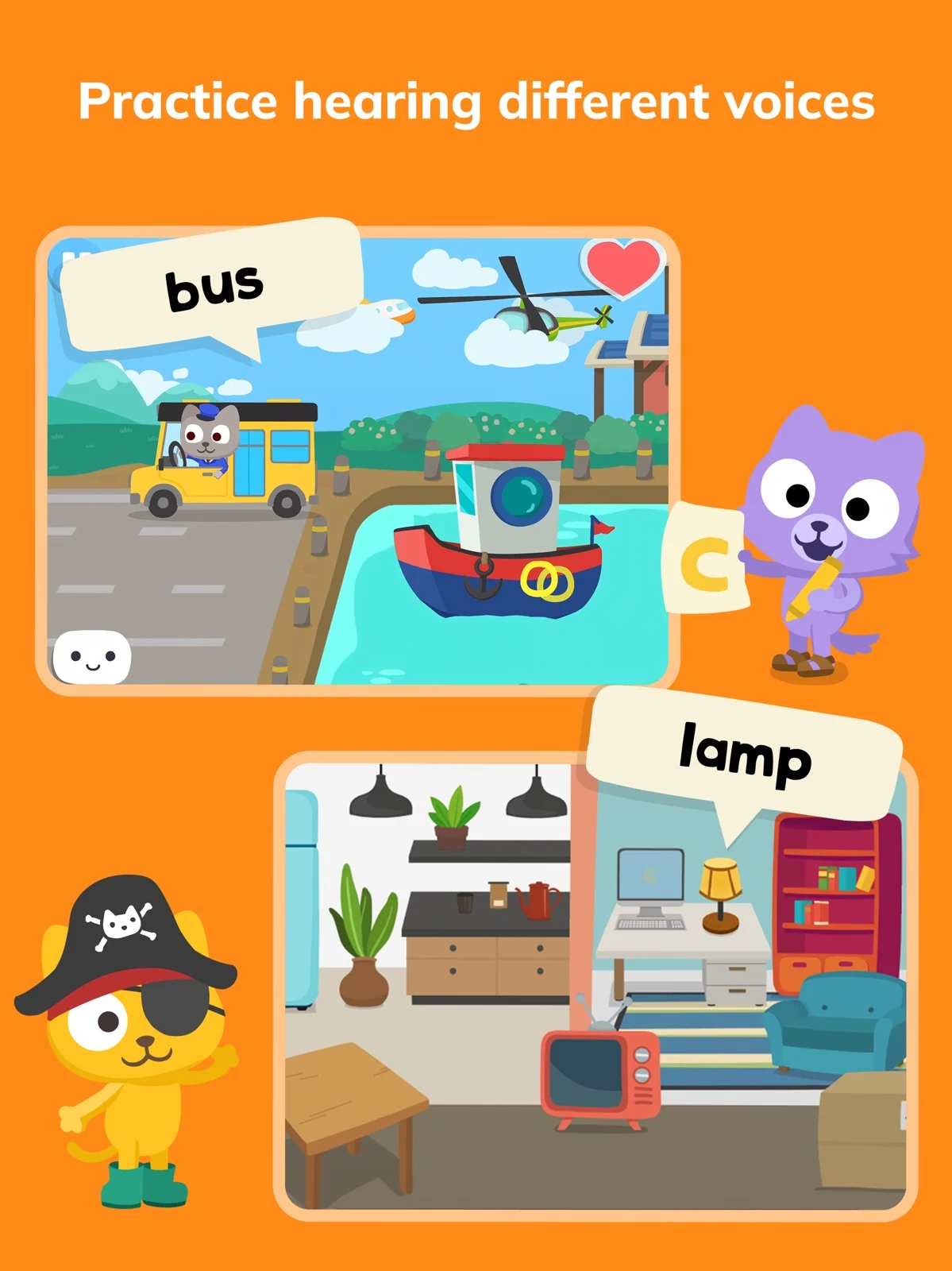
Studycat describes games and stories alongside VoicePlay speaking activities, learner profiles and reports. In VoicePlay, the documented interaction is speaking and receiving immediate feedback. This may suit a family wanting to investigate that feedback format without assuming all play is speech practice. Locate a speaking game together and see whether the response tells your child what to try next. Neither the 2–8 title nor the 3+ body wording establishes suitability for an individual toddler.
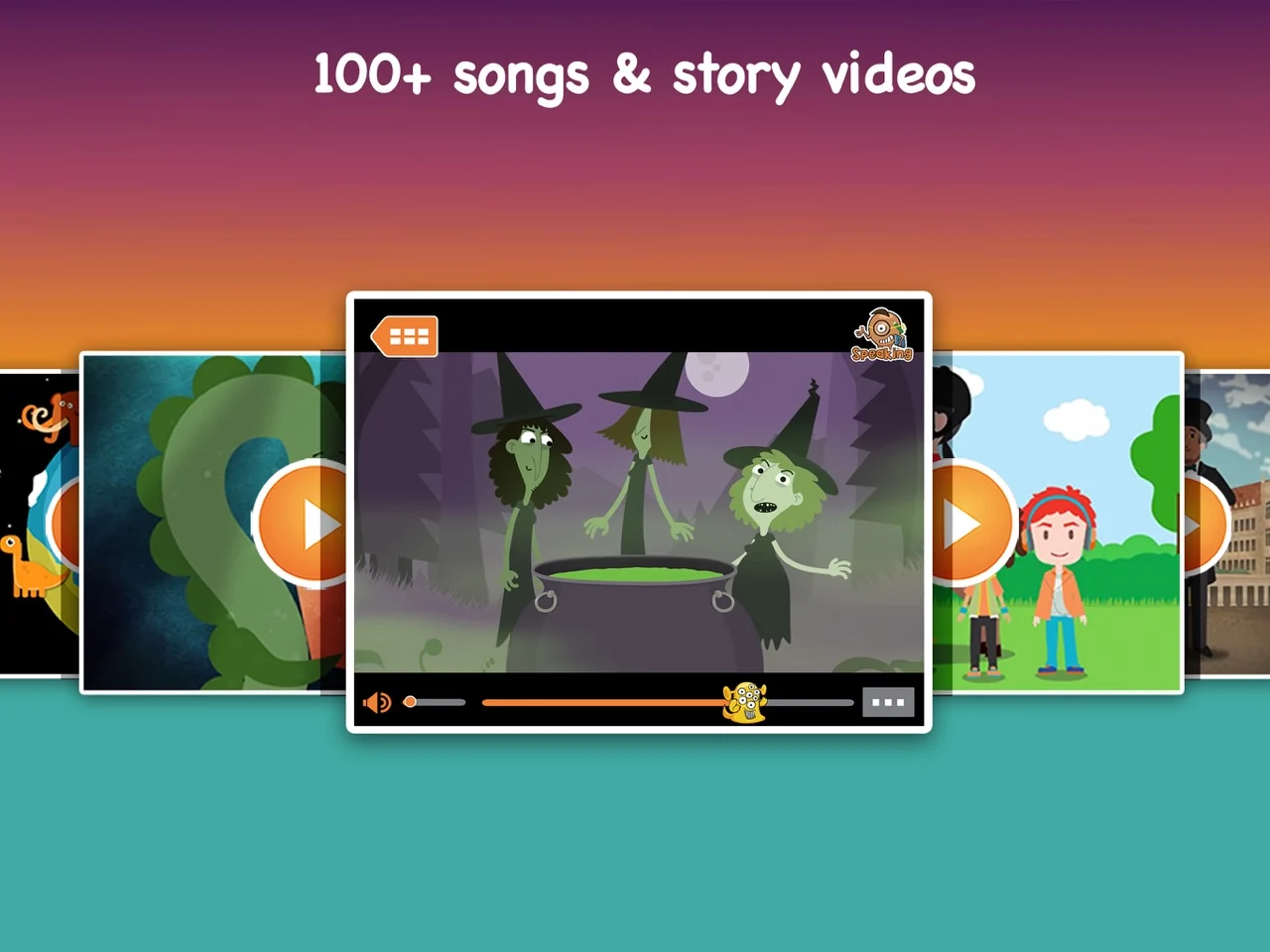
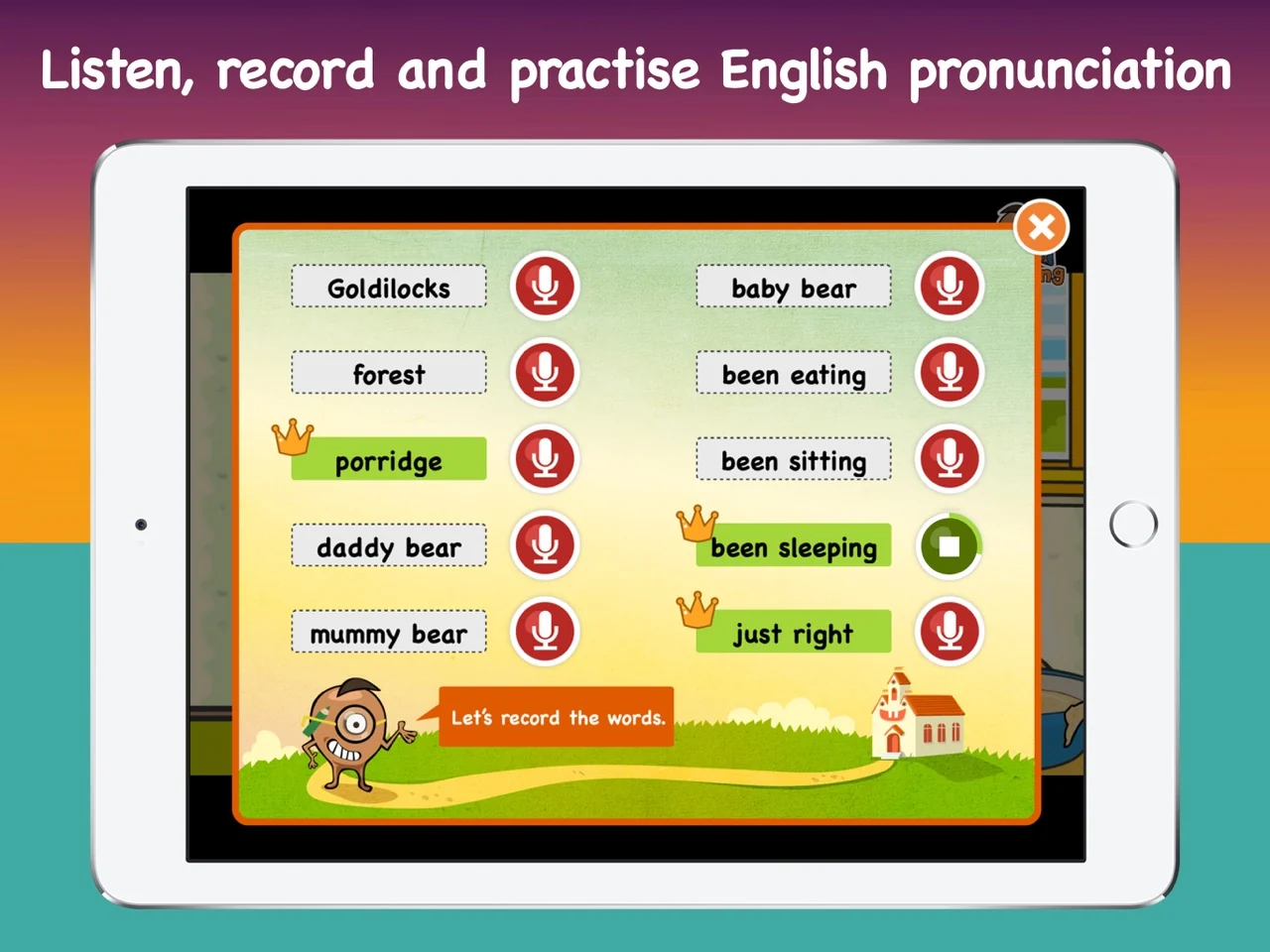
Playtime combines songs, stories and word games with listening to a narrator, recording a phrase and comparing the two. Consider that format when an adult can join in and help with playback. A useful first check is whether the child can find replay and compare one short phrase with you. Do not equate this activity with automatic pronunciation scoring. The developer recommends ages 6–11; interest in a song alone does not establish readiness for its accompanying tasks.
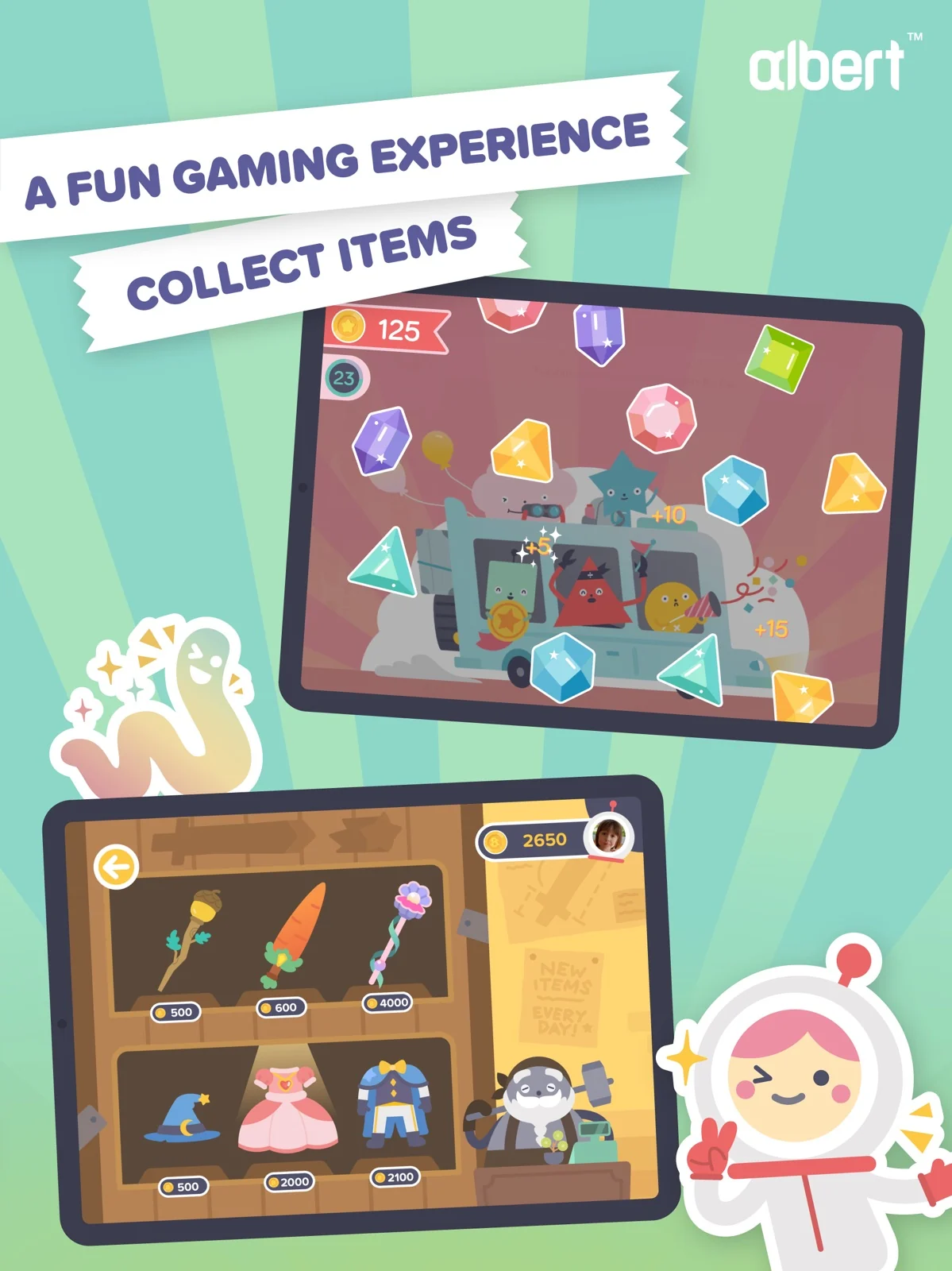
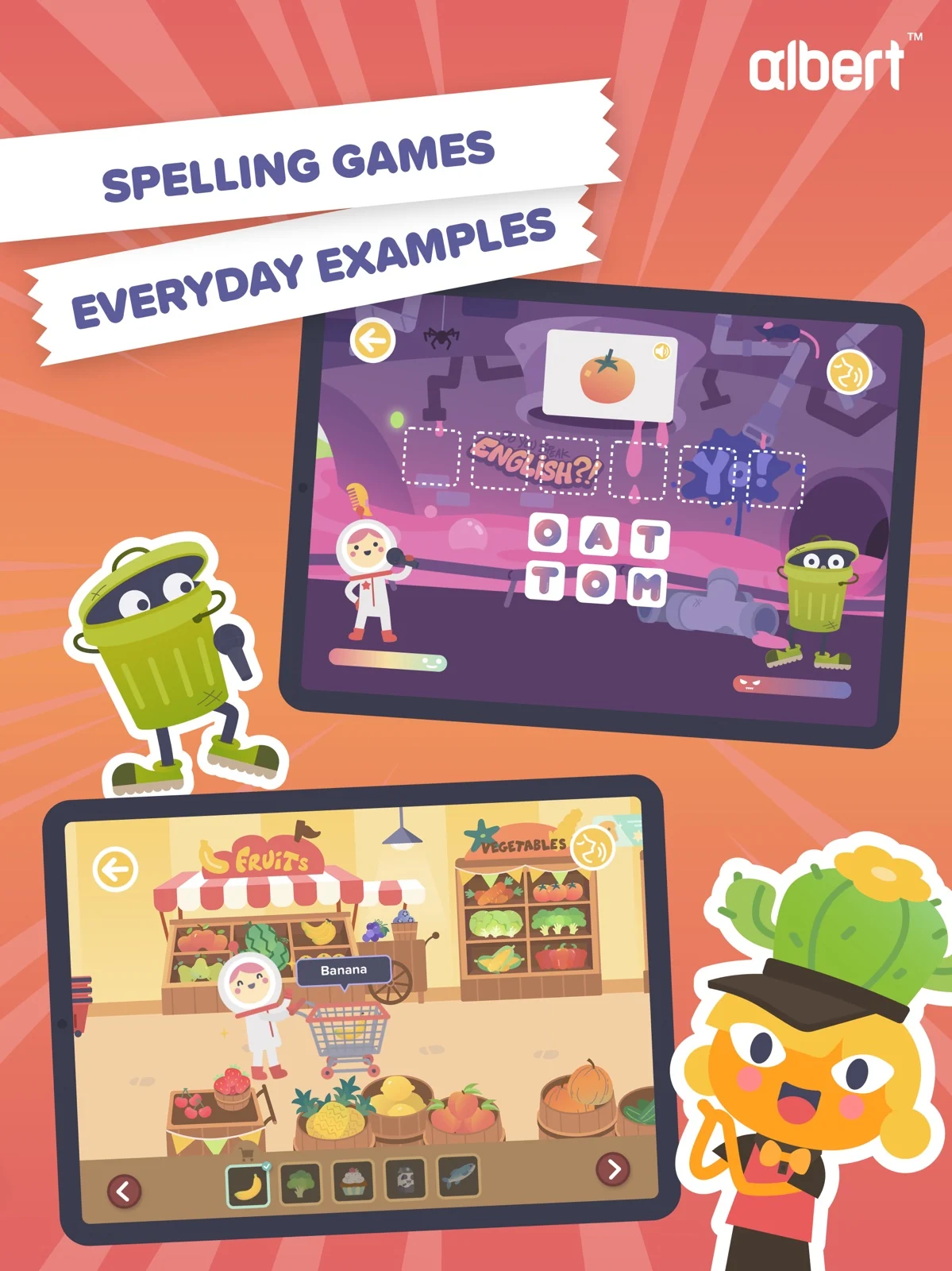
Albert Junior combines alphabet work, everyday vocabulary and simple sentences with grocery-store activities, memory games and word battles. Its UK App Store release notes describe voice recognition for pronunciation in Word battle. The UK listing places English in Standard or Plus, while Basic covers mathematics; the FAQ says Plus supports four users. Check the English entitlement in the offer shown on your device.
The table compares access models. Any price examples below retain their original date, currency and sales channel. Compare the amount due now, billing period, renewal price and cancellation route on your own screen.
Try Nativik free for three days on iOS or Android, with every activity included. On the web, get more than 50% off your first billing period and a 14-day refund window. Depending on platform, subscriptions may be weekly, monthly, three-month or annual. Every plan includes all activities; the offer shows the current price and renewal terms before you subscribe.
Website prices are a separate channel. Buddy’s retrieved USD page lists $12.49 monthly after an advertised seven-day trial, $29.99 per six months and $49.99 yearly, with automatic renewal. The trial wording belongs to the displayed monthly plan; account eligibility was not checked.
Lingokids’ pricing help page, checked October 16, 2026, lists website examples of $13.49 USD per month or $161.88 USD per year, with an advertised seven-day trial. These are website examples, not US App Store prices or a quote for your account. Confirm the price, renewal period and trial eligibility at checkout.
Albert Junior's UK App Store places English in Standard or Plus; Basic covers mathematics. Its UK FAQ says website and in-app offers can differ, and Plus includes four user profiles. Check that the selected plan includes English before paying.
Choose an activity your child enjoys, then look at how they listen, respond and return to it.
- Help your child find the first activity and listen to its instructions.
- Try the speaking step and see how retries and moving on work.
- Explore a familiar scene again and notice which words your child recognizes.
- Before subscribing, check the billing period, renewal terms and cancellation route.
Nativik offers a three-day free trial on iOS and Android with all activities included. Lingokids Basic offers 10 new activities daily; Buddy describes a flashcard sample and Studycat limited free activities. Nativik’s web offer is a discounted first billing period. A trial, an ongoing free selection and a paid introductory offer are different ways to get started.
The UK App Store description places English in Standard or Plus; Basic covers mathematics. Plans and availability can differ by market and payment channel, so confirm English access in the offer on your device.
Nativik processes your child’s voice on the device; it is not sent to our servers. Settings are protected by a parent gate, and child play contains no ads or external links. Without microphone permission, your child can use the activities other than speaking.
Nativik saves the words your child encounters, so they can revisit and practise them. Each word has a stage: heard, recognized among objects, or able to say. You can use these words for practice together away from the screen.
Yes. Content that has already downloaded works offline. Keep the app connected after its first launch so the activities you want have time to download before a trip.
Yes. You can use the same Nativik profile on multiple devices, and children can play together. It is one shared profile, so siblings share the vocabulary and progress record.
You can help with the first introduction in your home language. Nativik supplies the English audio, and child play uses very little text. The interface, including parent instructions, is available in English, Hungarian, Indonesian, Japanese, Polish, Portuguese, Russian, Spanish, Thai, Turkish and Vietnamese. The language children learn is English.
Manage a subscription purchased on the web through the app settings. Web purchases have a 14-day refund window. For an App Store or Google Play subscription, use that store’s subscription settings.
Official product descriptions, help pages and store listings are linked below with their check dates.
If your beginner enjoys exploring and playing, Nativik brings English into those activities. Start with a few questions about your child.